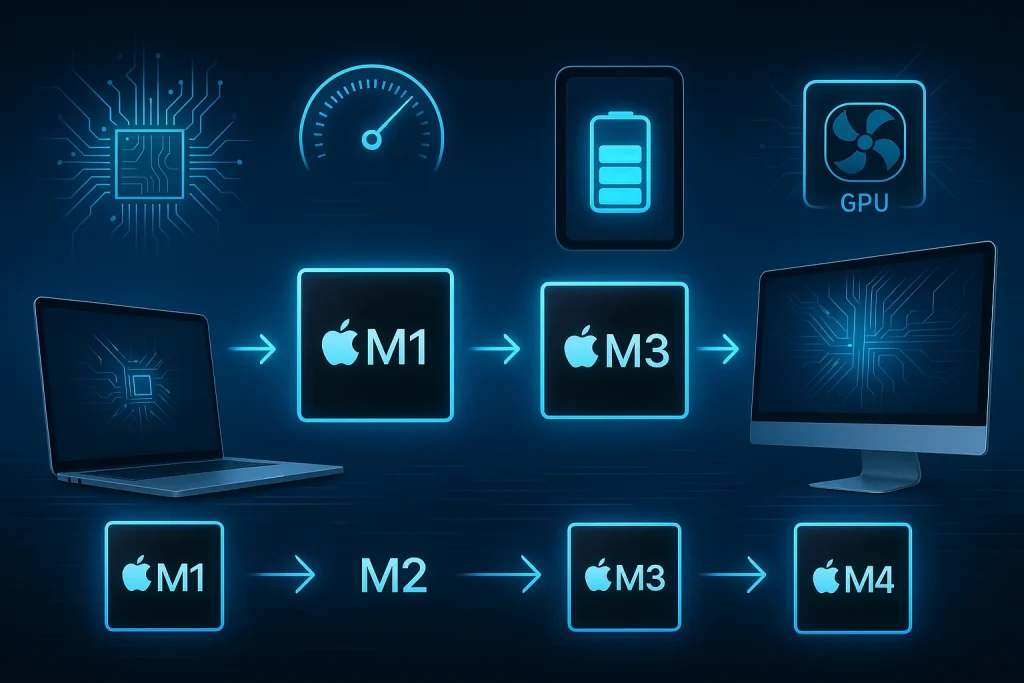
M1 vs. M2 vs. M3 vs. M4: Apple Comparison Silicon Evolution
Apple made a bold decision back in 2020 about stopping the use of Intel chips and starting to use its own new Apple Silicon chips. This change was first shared during the WWDC event, and honestly, it was a huge step. Apple wanted more speed, better battery life, and full control over how their Macs work. So, they introduced the M1 chip, their first-ever chip made completely by Apple comparison for their computers.
Since then, Apple has launched new chips almost every year, such as M2, M3, and now M4. Each chip brought something better, such as better performance, graphics, and power use.
In this article, I will tell you about Apple’s chip journey from M1 to M4. You will see how these upgrades improved MacBooks, iPads, and even desktop Macs, and why Apple’s design choices, like shrinking chip sizes and boosting GPU features.
The Shift from Intel to Apple Silicon
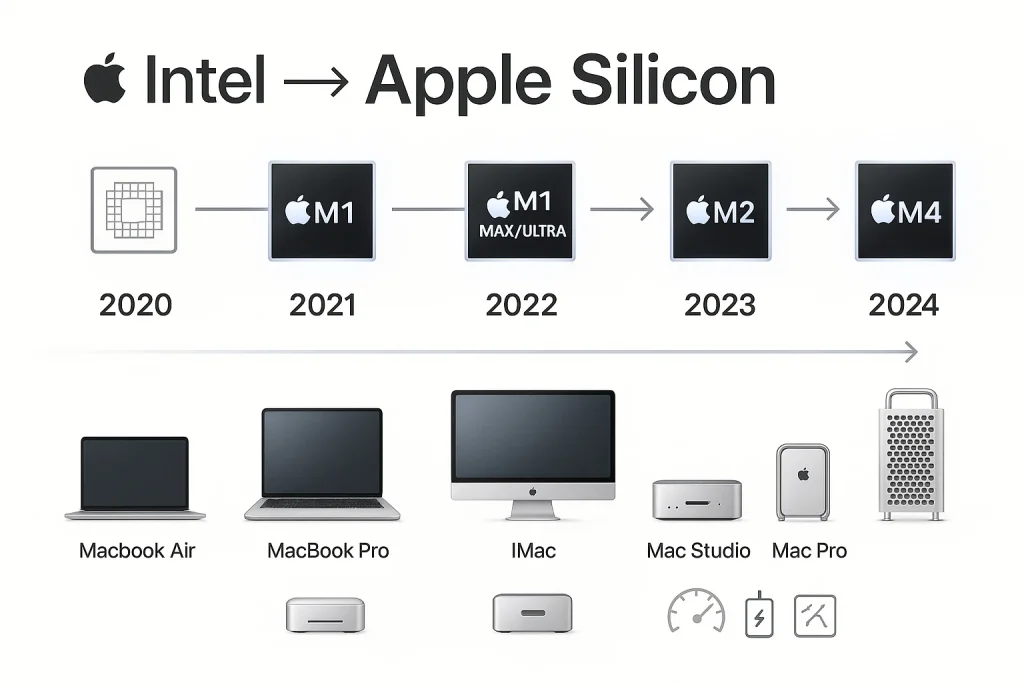
At the WWDC event in 2020, Apple announced that it was moving away from Intel processors and would start making its own chips for Macs.
- November 2020: Apple launched its first Apple Silicon chip, the M1, inside the MacBook Air, 13-inch MacBook Pro, and Mac Mini. These computers showed big improvements in speed and battery life.
- 2021 – 2022: Apple expanded the M1 family with M1 Pro, M1 Max, and M1 Ultra chips. These were added to more powerful devices like the MacBook Pro 14-inch and 16-inch, and the Mac Studio, which replaces more Intel models.
- By 2023: Almost all regular Mac computers had switched to Apple Silicon. The iMac got a new design with the M1, and the high-end Mac Studio ran on M1 Max or M1 Ultra.
- 2023 – 2024: Apple rolled out new generations like the M2, M3, and M4 chips. These chips are used in updated versions of the MacBook Air, MacBook Pro, Mac Mini, and even the Mac Pro, which have finished the full transition from Intel.
One of the biggest reasons Apple made this switch was because of the ARM architecture. They also help Apple comparison to create a unified system, which means the hardware and software work better together.
The Pioneer (2020)
| Feature | Details |
| Manufacturing Node | 5 nm |
| Transistors | 16 billion |
| CPU Cores | 8 cores (4 performance + 4 efficiency) |
| GPU Cores | 7 or 8 cores |
| Neural Engine | 16-core |
| Unified Memory | Up to 16 GB |
| Memory Bandwidth | 68.25 GB/s |
| Power Efficiency | High – less heat, better battery life |
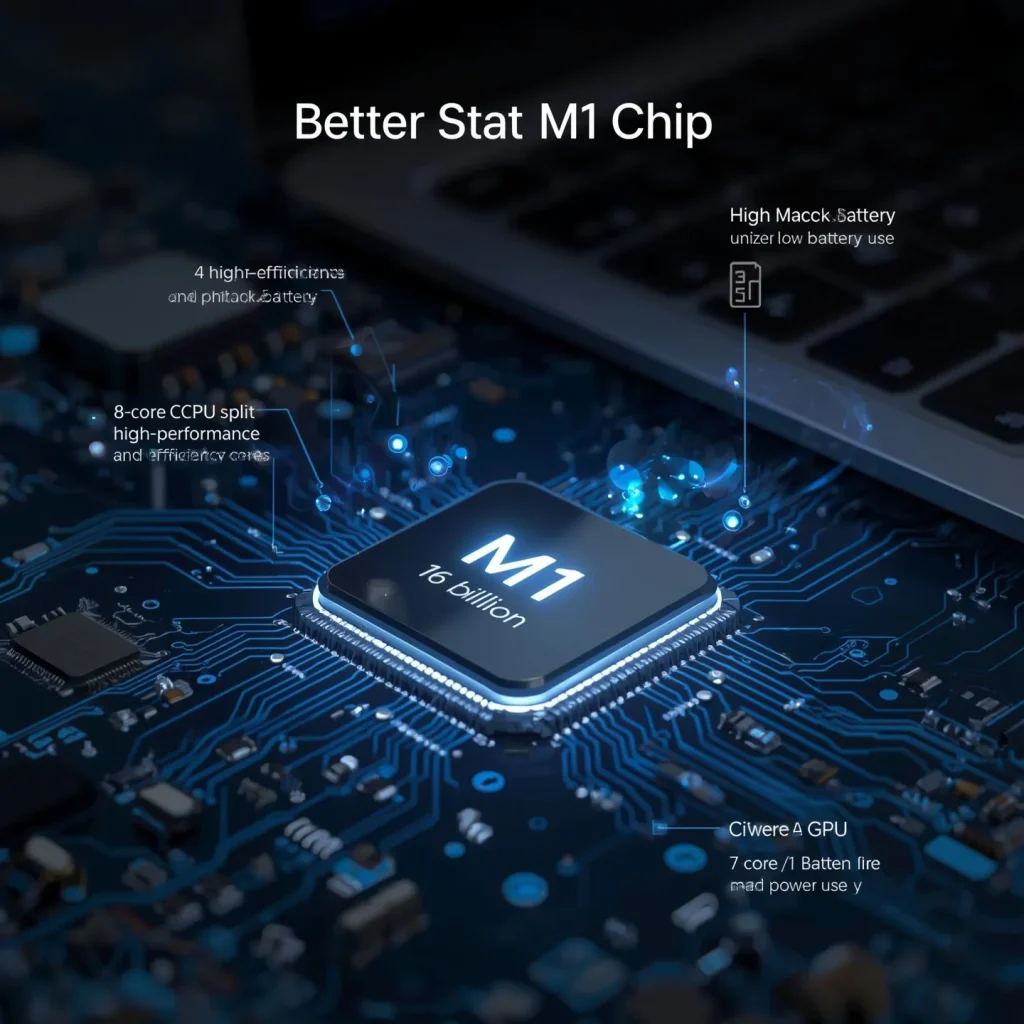
In 2020, Apple launched the M1 chip, and it is the first processor which is made for Macs. This chip changed everything. It was built using 5-nanometer (nm) technology, which means the parts inside were super tiny and tightly packed, which helps the chip to run faster while using less power.
The M1 had 16 billion transistors, which are like tiny switches that process data. That is way more than older Intel chips in Macs. It also had an 8-core CPU, such as 4 high-performance cores for heavy tasks and 4 high-efficiency cores for lighter work, which saves energy. It came with a 7-core or 8-core GPU to handle graphics.
The M1 chip gave a big performance boost. This chip really stood out in efficiency, as it used much less power while doing the same job or better. That meant MacBooks with M1 lasted longer on battery, ran cooler, and did not need fans to stay quiet.
Refinement and Bandwidth Boost (2022)
| Feature | Details |
| Manufacturing Node | 5 nm (N5P – upgraded version of M1’s process) |
| Transistors | 20 billion (25% more than M1) |
| CPU Cores | 8 cores (4 performance + 4 efficiency) |
| GPU Cores | 8 or 10 cores |
| Neural Engine | 16-core |
| Unified Memory | Up to 24 GB |
| Memory Bandwidth | 100 GB/s |
| Performance Boost | 15-17% faster CPU, up to 41% faster GPU vs M1 |
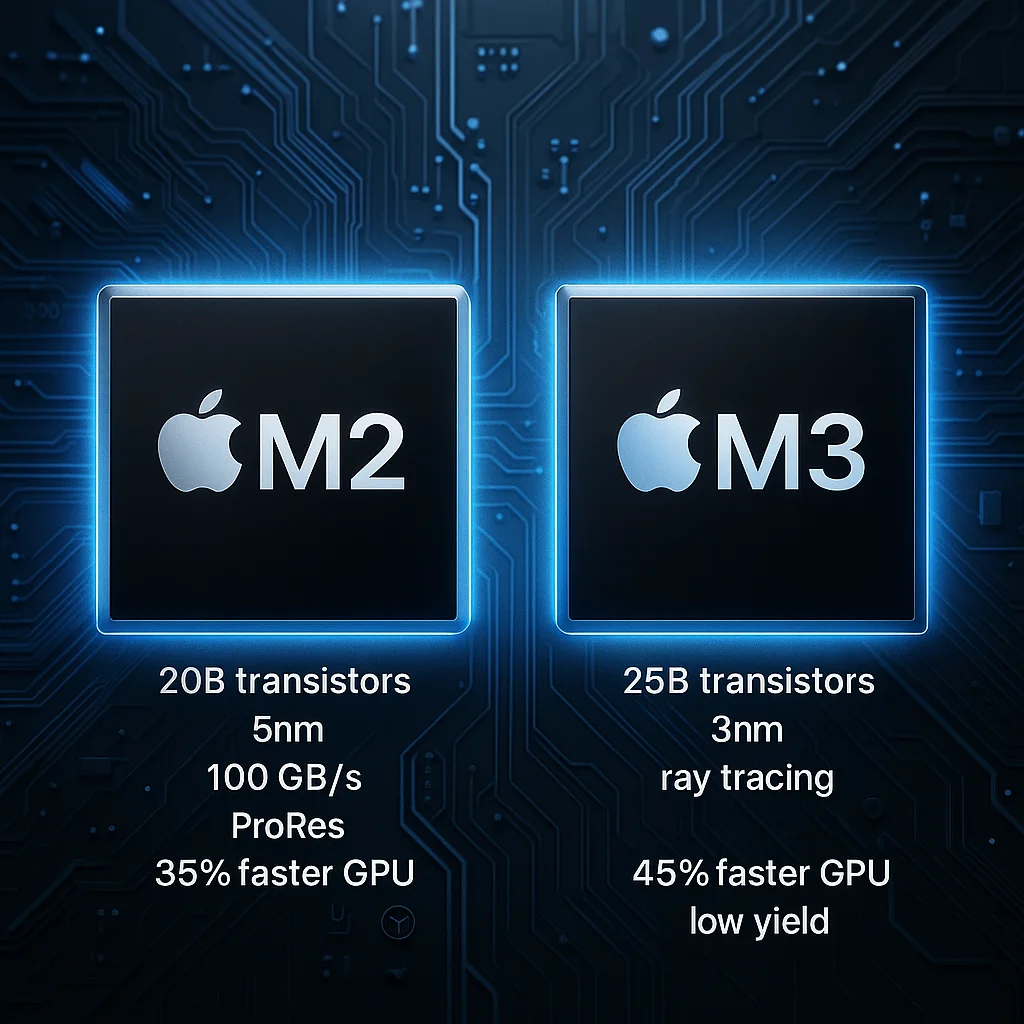
In 2022, Apple comparison introduced the M2 chip as the next step after the M1. It was still made using 5-nanometer technology, but it used a newer version called N5P, which made it more advanced and powerful. Apple packed 20 billion transistors into the M2, which is 4 billion more than the M1. This helped the chip to run faster and do more at once.
One of the biggest upgrades was the memory bandwidth, which increased to 100 GB/s. This means the chip could move data much quicker, which makes apps and programs run more smoothly. The M2 also added support for ProRes video, which is great for those people who work with high-quality video editing.
In terms of performance, the M2 gave about a 15-17% boost in multi-core speed compared to the M1. This means it could handle multitasking better, like editing videos while running other apps in the background.
The graphics performance was even better. In Apple’s Metal benchmarks, the GPU was around 35-41% faster than the M1. This made the M2 perfect for moderate creative work like photo editing, music production, or casual video editing.
Die Shrink & Feature Expansion (2023)
| Feature | Details |
| Manufacturing Node | 3 nm (N3B – first Apple chip on this process) |
| Transistors | 25 billion |
| CPU Cores | 8 cores (6 performance + 2 efficiency) |
| GPU Cores | Up to 10 cores (with ray tracing & mesh shading) |
| Neural Engine | 16-core |
| Unified Memory | Up to 24 GB |
| Memory Bandwidth | 100 GB/s |
| Performance Boost | ~20–39% CPU gain, up to 45% GPU gain over M1 |
| Challenges | High cost, low yield rate (~55%), short generation |
Apple launched the M3 chip in 2023, which brought big changes in how the chip was built and what it could do. It was the first Mac chip made with 3-nanometer (N3B) technology, which makes it smaller, faster, and more efficient than any previous Apple chip.
The M3 packed 25 billion transistors, which allowed it to perform more tasks at once. Apple comparison also added dynamic caching, ray tracing, and mesh shading, which are advanced features mostly used in high-end games and graphics-heavy tasks, which gives users smoother and more realistic visuals.
The M3 used a 6+2 core layout, which is six high-performance cores and two efficiency cores. This gave it a CPU boost of around 20-39% compared to earlier chips. Its GPU also got a big upgrade, which performs up to 45% faster than the M1.
However, the M3 chip also came with some challenges. Many users say the chip yield was as low as 55%, which means nearly half of the chips made were unusable. This made the M3 more costly and gave it a shorter life cycle, with Apple comparison moving to the M4 quickly afterward.
M4: The AI‑Centric Powerhouse (2024)
| Feature | Details |
| Manufacturing Node | 3 nm (N3E – improved version of M3’s chip process) |
| Transistors | 28 billion |
| CPU Cores | 10 cores (up to 4 efficiency + 6 performance cores) |
| GPU Cores | Scalable – up to 40 cores |
| Neural Engine | 16-core with 38 TOPS |
| Unified Memory | Up to 36 GB |
| Memory Bandwidth | 120 GB/s |
| AI Features | Advanced |
| Performance Boost | ~50% faster CPU vs M2, GPU up to 4× faster |
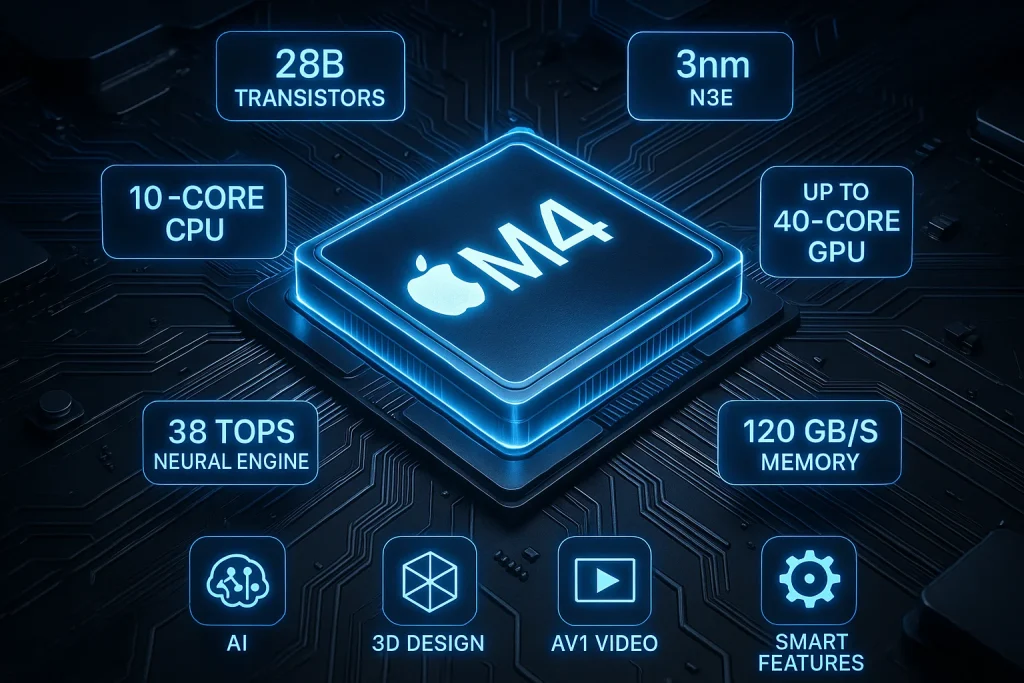
In 2024, Apple created the M4 chip, which is its most powerful chip yet, built to handle the future of AI and advanced graphics. It is made by using a new version of 3-nanometer technology called N3E, which is more efficient and powerful than the earlier M3 process.
The M4 includes a huge 28 billion transistors, which means it can process much more data at higher speeds. It comes with a 10-core CPU and a flexible GPU that can scale up to 40 cores. One of the biggest highlights is its 38 TOPS Neural Engine, which makes the chip excellent at handling AI tasks like real-time language translation, smart photo editing, and more.
The M4 delivers a massive 50% boost in CPU performance compared to the M2, and the GPU is about 4 times faster. This makes it one of the best chips for heavy workloads like 3D design, video production, and machine learning. Apple caomparison also increased the memory bandwidth to 120 GB/s, which helps apps to access data more quickly.
The M4 supports AV1 video decoding, which is a modern video format that saves space without losing quality and keeps support for mesh shading, which improves visual effects in gaming and creative software.
Comparative Overview: M1 → M4
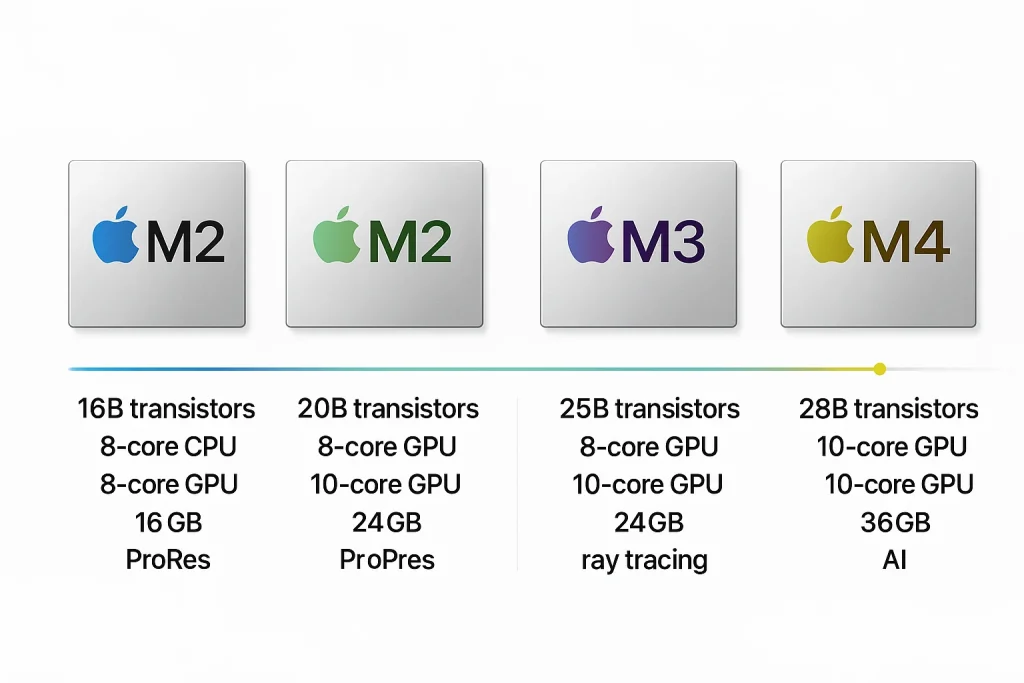
Apple’s chip evolution from M1 to M4 shows a clear focus on speed, power efficiency, graphics, and now AI performance. I will give you a clear overview of each version.
| Feature | M1 (2020) | M2 (2022) | M3 (2023) | M4 (2024) |
| Chip Process | 5 nm | 5 nm (N5P – improved) | 3 nm (N3B – first-gen) | 3 nm (N3E – second-gen) |
| Transistors | 16 billion | 20 billion | 25 billion | 28 billion |
| CPU Cores | 8 (4 performance + 4 efficiency) | 8 (4P + 4E) | 8 (6P + 2E) | 10 (6P + 4E) |
| GPU Cores | 7–8 cores | Up to 10 cores | Up to 10 cores (with ray tracing, mesh shading) | Scalable up to 40 cores (upgraded features) |
| Neural Engine | 16-core | 16-core | 16-core | 16-core, 38 TOPS |
| Memory Bandwidth | 68.25 GB/s | 100 GB/s | 100 GB/s | 120 GB/s |
| Unified Memory | Up to 16 GB | Up to 24 GB | Up to 24 GB | Up to 36 GB |
| Major Features | First Apple Silicon: power efficiency | Better graphics, ProRes support | Ray tracing, dynamic caching, 3nm breakthrough | AI-focused, AV1 decoding, extreme GPU scaling |
| Performance Jump | Huge jump from Intel chips | ~15–17% faster CPU, ~35–41% GPU boost | ~20–39% CPU gain, GPU up to 45% faster | ~50% faster CPU vs M2, GPU up to 4× faster |
| Best Use Cases | Basic tasks, students, and light editing | Moderate creative work, everyday users | Gamers, creatives, performance-hungry users | AI tools, pro workloads, future-ready tasks |
Final Words
If you are thinking about buying a new Mac, then my suggestion is to choose according to your needs. The M1 is still great for basic work like browsing, studying, or light editing. If you are into photo or video editing, then the M2 or M3 will serve you better with faster speeds and more power. But if you are working with AI tools, 3D design, or want the most future-proof option, then M4 is the smart pick. Apple comparison chips are getting better every year, so choose the one that fits your work, not just the latest one.
FAQs
What makes Apple Silicon different?
Apple comparison Silicon is different because it is designed fully by Apple. That means the chip, the software, and the device work together perfectly. It uses less power, runs faster, and keeps your Mac cool and quiet, all at the same time.
What is an ARM-based Apple silicon processor?
An ARM-based chip uses a smart design that is smaller and more efficient than older chips like Intel. Apple comparison chose ARM because it helps Macs to run longer on battery and stay cooler.
What is Apple’s fastest processor?
Right now, the M4 is Apple comparison fastest chip. It has better speed, stronger graphics, and a powerful engine for AI tasks. It is made for high-end work like video editing, AI, and heavy apps.
What is the memory architecture of Apple silicon?
Apple Silicon uses something called Unified Memory Architecture (UMA). This means the CPU, GPU, and other parts of the chip share the same memory, so they work faster and smoother together.